01
Capture
Accept leads through API, webhooks, imports or manual entry with mapped fields.
API · Webhook · ImportDaVinci brings intake, validation, routing, team workflows, broker feedback and reporting into one controlled workspace — built for performance businesses.
A product walkthrough shaped around your current lead flow.
Replace disconnected spreadsheets, chats and one-off scripts with a workflow where every lead carries its context forward.
Accept leads through API, webhooks, imports or manual entry with mapped fields.
API · Webhook · ImportCheck contacts, IP and duplicates; keep technical traffic-quality signals attached.
Email · Phone · IPApply offers, caps, schedules, stream rules, priorities and broker weights.
Offers · Caps · StreamsAssign managers and team leads, update statuses and keep follow-ups in one workspace.
Teams · Roles · TasksSync broker statuses, manage FTD confirmation and return postbacks to partners.
FTD · Status sync · PostbackReview conversion, team performance, quality and financial signals with drill-down.
Dashboards · Exports · AlertsThe workflow adapts to who owns the lead, who works it and where the commercial result is confirmed.
Connect source context to offers, assignments, broker feedback and FTD — without losing the subs that explain performance.
Operate the handoff between webmasters and advertisers with limits, routing logic and a traceable feedback loop.
Give managers a focused workspace while team leads retain control over ownership, quality and outcomes.
DaVinci connects the operational tools your team touches every day and preserves the evidence behind every decision.
Shape the table around each role, change what matters in place and keep the full customer context one click away.
Define where a lead can go, when it can go there and who becomes responsible for the next action.
Configure common HTTP integrations without a separate backend release, then inspect exactly what was sent and received.
Move from the overview into buying, sales, broker, team, quality and financial views without losing the underlying leads.
Give each role the speed it needs while keeping access, changes and data quality visible.
Control access to modules, actions and sensitive lead fields across companies and teams.
Review ownership changes, requests, responses and operational actions when a result needs explaining.
Run background contact and IP checks, surface warnings and keep fingerprint signals with the lead.
Keep each customer workspace and database isolated, with company-aware access inside the tenant.
The product scope is tailored during the demo. Final availability can depend on enabled modules and integrations.
For affiliate networks coordinating webmasters, advertisers and routing.
For media buying teams connecting traffic context to FTD and economics.
For sales operations that need ownership, quality signals and governance.
Need a mixed operating model or a custom rollout? We will map the right setup during the demo.
Release notes, practical guides and updates from the DaVinci team.

Соберите таблицу под себя: закрепляйте нужные колонки, звоните и пишите в один клик, копируйте чистые email/телефоны без лишних пробелов....
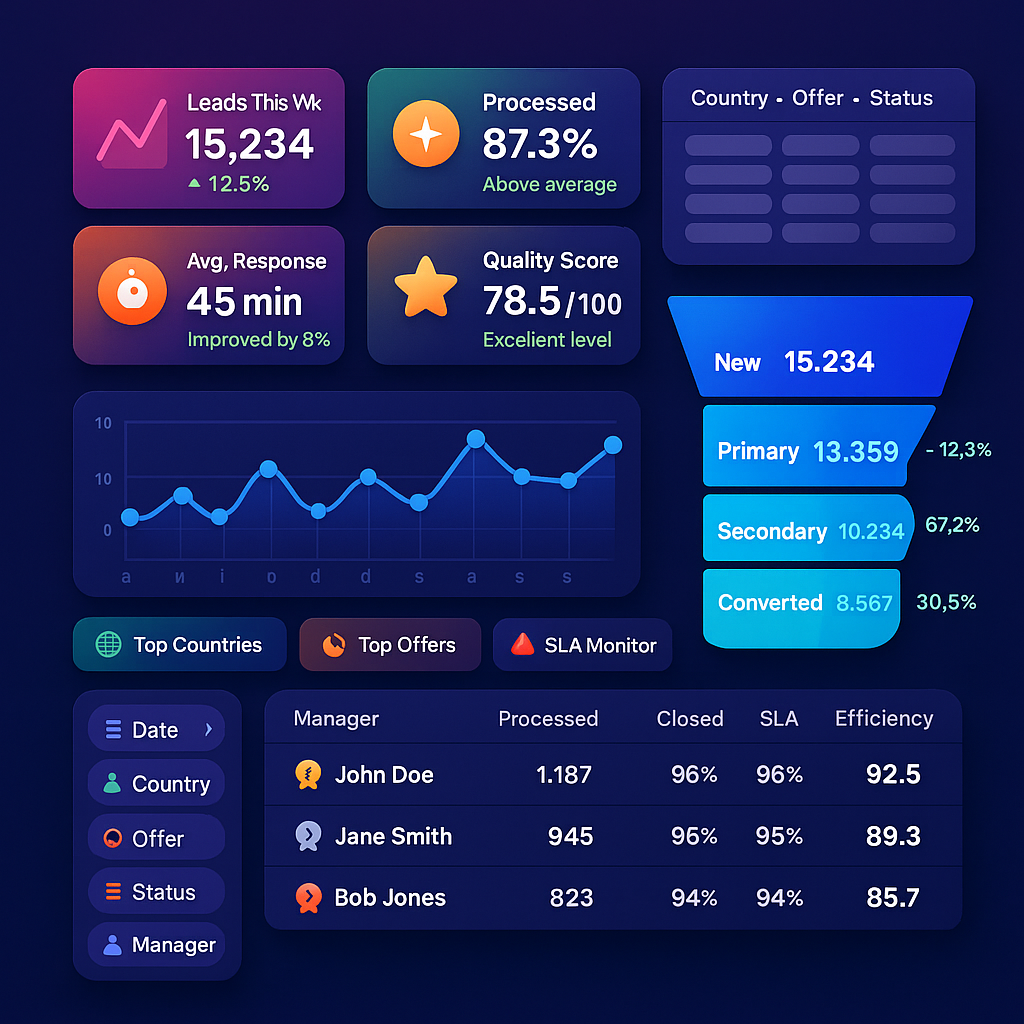
Мы прокачали аналитику так, чтобы руководители, тимлиды и менеджеры быстрее видели узкие места и принимали решения без ручных выгрузок и бесконечных фильтров....

DaVinci CRM — мультиарендная CRM для партнёрского маркетинга: отдельная БД на клиента, мгновенные таблицы, постбеки, капы/стримы и аналитика за секунды...
DaVinci can accept leads through API, webhooks, imports or manual entry, then route them to internal teams or external brokers. During the demo we map your current sources, destinations, status model and postback requirements.
The integration studio supports common HTTP methods, headers, mapped payloads, placeholders and response mapping. Typical integrations can be configured and tested in the interface; unusual authentication or protocols may require a tailored adapter.
Yes. DaVinci combines company and team context with granular roles and permissions for modules, lead actions and selected fields. The exact access model is configured around your operating structure.
Depending on enabled modules, it includes operational, buying, sales, broker, team lead, quality and financial views, plus a report builder, exports and alerts. ROI and P&L require correctly configured revenue, cost and ad-spend data.
We agree the required modules, integrations and data model, then prepare a rollout plan for your workflow. Commercial and onboarding terms are confirmed for that scope.
Walk through your sources, routing logic, team structure and broker feedback loop with someone who understands lead operations.
No generic deck — the conversation starts with your actual workflow.